Modern users expect instant responses, but technology often requires time to process. Progress cues bridge this gap, transforming waiting into engaging experiences that make applications feel faster than they actually are.

🎯 The Psychology Behind Perceived Performance
When users interact with digital products, their satisfaction depends less on actual speed and more on how that speed feels. This phenomenon, known as perceived performance, sits at the intersection of psychology and user experience design. Research consistently shows that users tolerate longer wait times when they understand what’s happening and see visible progress.
The human brain processes time subjectively. A three-second delay with no feedback feels exponentially longer than a five-second delay with clear progress indicators. This psychological quirk presents designers with a powerful opportunity: by implementing strategic progress cues, we can dramatically improve user satisfaction without touching backend infrastructure or optimizing code performance.
Progress cues work by reducing uncertainty and anxiety. When users click a button and nothing happens, their minds race with questions. Did it work? Should I click again? Is something broken? These moments of confusion create stress and negative associations with your product. A simple loading spinner or progress bar eliminates this uncertainty, providing reassurance that the system is working as intended.
Understanding Latency and Its Impact on User Behavior
Latency refers to the delay between user action and system response. In web applications, this might be the time between clicking “submit” and seeing confirmation. In mobile apps, it’s the gap between tapping a button and loading new content. Even milliseconds matter in user perception.
Studies by Google and Amazon have demonstrated that every 100 milliseconds of additional latency costs measurable revenue. Users abandon slow-loading pages, develop negative brand perceptions, and ultimately choose faster alternatives. However, eliminating latency entirely often proves technically impossible or prohibitively expensive.
The solution lies not in eliminating all latency, but in managing user perception of that latency. This is where progress cues transform the experience. A well-designed loading state can make a four-second process feel acceptable, while a poorly handled two-second delay might drive users away.
Types of Latency Users Encounter
Different interactions create different latency experiences. Page load latency occurs when navigating between sections or launching applications. Processing latency happens during computationally intensive tasks like image uploads or data analysis. Network latency affects any interaction requiring server communication, from form submissions to content retrieval.
Each latency type requires tailored progress cues. A page transition might use skeleton screens, while file uploads benefit from percentage-based progress bars. Understanding these distinctions helps designers implement the most effective solutions for each scenario.
⚡ Strategic Progress Cue Implementation Techniques
Effective progress cues go beyond simple spinning wheels. Modern UX design employs sophisticated techniques that actively engage users during wait times, transforming passive waiting into active observation.
Skeleton screens have revolutionized loading experiences by showing content structure before actual data arrives. Instead of staring at blank space, users see gray placeholder boxes that mimic the layout of incoming content. This technique, popularized by Facebook and LinkedIn, creates the impression of faster loading by providing immediate visual feedback.
Progressive disclosure reveals content incrementally as it becomes available. Rather than waiting for complete data sets, applications display partial results immediately, building out the interface piece by piece. This approach works particularly well for content-heavy applications like news feeds or image galleries.
Animation as a Distraction Strategy
Carefully designed animations serve dual purposes: they indicate system activity while entertaining users during waits. The key lies in creating animations that feel purposeful rather than arbitrary. A progress bar that smoothly fills from left to right communicates both activity and advancement.
Animation duration should align with expected wait times. Quick operations benefit from subtle, fast animations that don’t outlast the actual process. Longer operations need more elaborate animations that maintain interest without becoming annoying through repetition.
Progress Indicators: Choosing the Right Visual Language
Not all progress indicators communicate equally well. The choice between determinate and indeterminate indicators significantly impacts user experience. Determinate indicators show specific completion percentages, while indeterminate indicators simply confirm that something is happening without specifying progress.
Determinate progress bars work best when systems can accurately calculate completion time. File downloads, data exports, and multi-step processes benefit from showing exact progress. Users appreciate knowing they’re 60% complete rather than wondering how much longer they’ll wait.
Indeterminate spinners suit situations where completion time remains unknown. Server requests, authentication processes, and complex calculations often fall into this category. While less informative than progress bars, well-designed spinners still provide crucial feedback that the system is working.
Color Psychology in Progress Design
Color choices in progress indicators subtly influence user perception. Blue conveys trust and professionalism, making it ideal for financial or healthcare applications. Green suggests success and forward movement, working well for completion indicators. Orange and yellow create urgency without the alarm of red, suitable for warnings or time-sensitive operations.
Consistency matters more than specific color choices. Users should instantly recognize your progress indicators across different contexts within your application. This recognition builds confidence and reduces cognitive load during already stressful waiting periods.
🚀 Advanced Techniques for Latency Masking
Beyond basic progress indicators, sophisticated applications employ advanced techniques that fundamentally reshape how users experience latency. These approaches often eliminate the perception of waiting entirely.
Optimistic UI updates assume success and immediately show results before server confirmation arrives. When a user likes a post, the heart icon fills instantly, even though the server hasn’t responded yet. This technique creates zero-latency experiences for common, low-risk actions. If the server later reports failure, the interface quietly reverts the change.
Background loading fetches and prepares content before users request it. Video streaming services preload the next episode while you’re watching the current one. E-commerce sites might preload product details when users hover over thumbnails. These predictive approaches eliminate wait times by anticipating user needs.
Perceived Performance Through Content Prioritization
Smart applications load critical content first, deferring non-essential elements. A news article might display headline and first paragraphs immediately, loading images and comments later. Users begin consuming content while additional elements load in the background, effectively eliminating perceived latency for the primary task.
This prioritization requires careful analysis of user behavior and intent. What do users need first? What can wait? These questions guide implementation decisions that dramatically impact perceived performance without changing actual load times.
Measuring Success: Metrics That Matter
Implementing progress cues without measuring their impact leaves designers guessing. Several metrics help quantify improvements in perceived performance and user satisfaction.
Time to Interactive (TTI) measures when users can meaningfully engage with an interface. While actual load time might not change, effective progress cues can make TTI feel faster by engaging users sooner. Task completion rates often improve when progress cues reduce abandonment during loading states.
User satisfaction scores directly reflect perceived performance. Surveys asking users to rate speed and responsiveness reveal whether progress cues successfully mask latency. These subjective measures often correlate more strongly with business outcomes than technical performance metrics.
A/B Testing Progress Implementations
Different progress cues resonate differently with various user populations. A/B testing reveals which approaches work best for your specific audience. Test skeleton screens against progress bars, experiment with animation speeds, and compare different loading messages.
Track engagement metrics during these tests. Do users abandon less frequently with certain progress indicators? Does one approach lead to higher conversion rates? These data-driven insights guide optimization efforts and justify design decisions to stakeholders.
📱 Mobile Considerations for Progress Feedback
Mobile environments present unique challenges and opportunities for progress cue implementation. Limited screen real estate demands more creative solutions, while touch interfaces enable novel feedback mechanisms.
Haptic feedback adds physical dimension to progress cues. A subtle vibration when a process completes provides confirmation without requiring visual attention. Combined with visual indicators, haptics create multi-sensory feedback that reinforces system status more effectively than either approach alone.
Mobile users often multitask or experience interruptions. Progress cues must accommodate these patterns by preserving state information when users switch apps or respond to notifications. Persistent notifications can show ongoing progress even when users navigate away from your application.
Responsive Progress Design
Progress indicators must adapt to various screen sizes and orientations. A progress bar that works beautifully on desktop might feel cramped on mobile. Skeleton screens need simpler structures on small screens to remain readable. Testing across devices ensures progress cues enhance rather than hinder mobile experiences.
Network conditions significantly impact mobile latency. Progress cues become even more critical on slower connections. Some applications adjust their progress indicators based on detected connection speed, showing more detailed feedback when users face longer waits.
Common Mistakes That Undermine Progress Cues
Even well-intentioned progress implementations can backfire when designers make common mistakes. Overly optimistic progress bars that jump from 10% to 100% instantly destroy trust. Users learn to ignore these indicators, losing the benefits entirely.
Progress animations that outlast the actual process frustrate users. If loading completes but the animation continues for several more seconds, users experience artificial delay that actually worsens perceived performance. Animations should conclude immediately when processes finish or, at minimum, accelerate to completion.
Inconsistent progress indicators confuse users. If different parts of your application use different loading styles without clear reason, users struggle to understand system status. Establishing consistent patterns across your product builds user confidence and recognition.
The Danger of Progress Theater
Some designers implement “fake” progress bars that advance on timers rather than reflecting actual progress. While this might seem like a clever shortcut, it risks catastrophic failure when the process takes longer than expected. The progress bar reaches 100%, but nothing happens, creating maximum frustration and confusion.
Authentic progress indicators tied to real system events maintain user trust. Even indeterminate spinners prove more honest than fabricated progress bars. Users forgive genuine system delays far more readily than they forgive deception.
🎨 Designing Progress Cues That Match Your Brand
Progress indicators present opportunities to reinforce brand identity and delight users. Custom animations, unique loading messages, and branded visual elements transform mundane waiting into brand experiences.
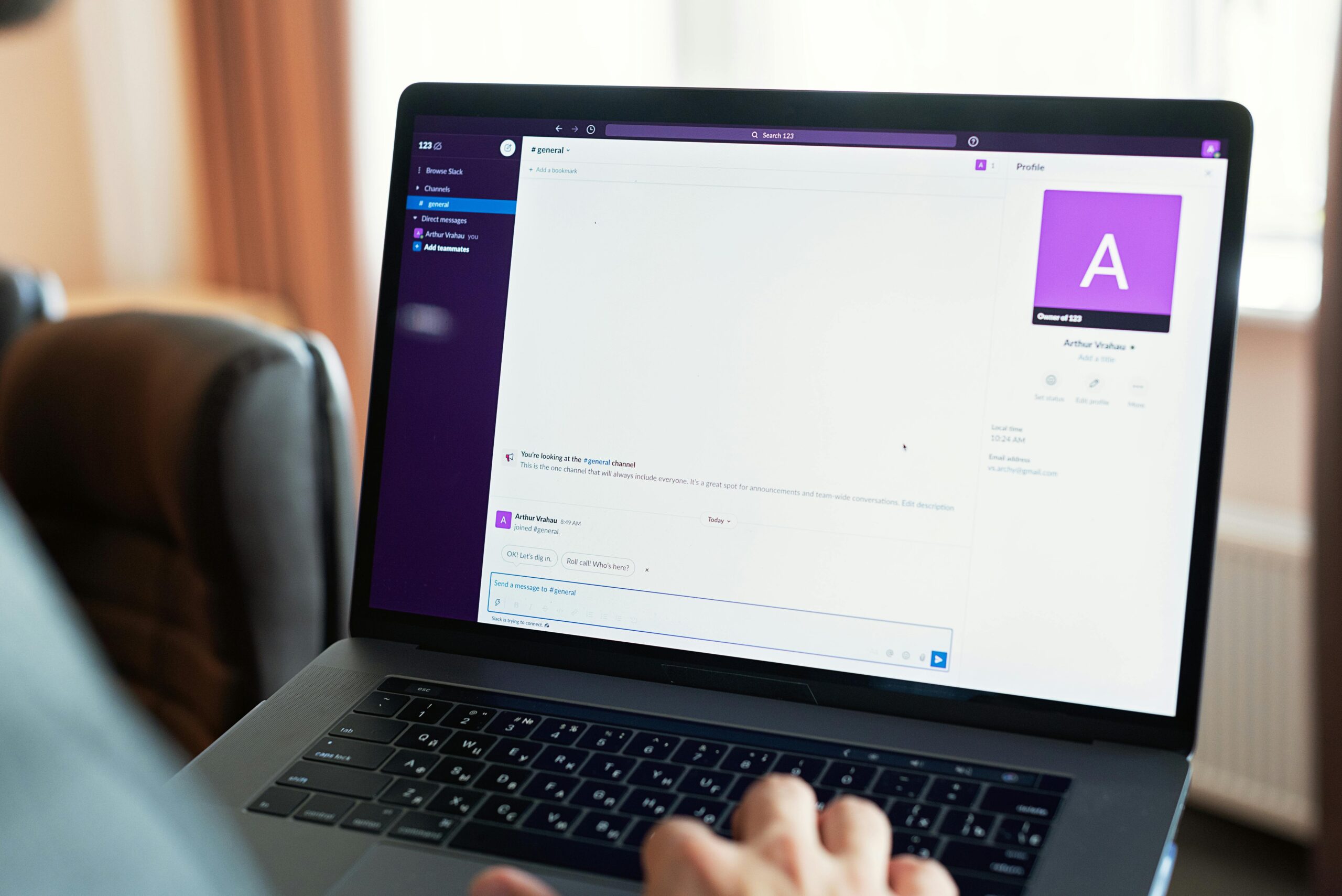
Creative loading messages inject personality while keeping users engaged. Slack’s loading messages deliver witty observations, Lyft displays driver arrival animations, and fitness apps might show motivational quotes. These touches humanize technology and create memorable moments.
Custom animations should enhance rather than distract. A subtle branded element in a progress spinner maintains consistency without overwhelming users. Animation complexity should match your brand personality—playful brands might use bouncy, exaggerated movements while professional services benefit from smooth, understated transitions.
Future Trends in Progress Communication
Emerging technologies promise new approaches to managing perceived latency. Artificial intelligence enables more accurate progress predictions, showing realistic completion estimates based on historical data and current conditions.
Voice interfaces require rethinking visual progress cues. Auditory feedback, periodic status updates, and conversational progress reports adapt progress communication for screenless interactions. These audio cues must balance informativeness with avoiding excessive verbosity.
Augmented and virtual reality introduce spatial progress indicators. Three-dimensional loading animations, environmental cues, and immersive progress visualizations leverage these platforms’ unique capabilities. As these technologies mature, progress design will evolve to match their paradigms.
💡 Implementing Progress Cues in Your Projects
Successfully implementing progress cues requires systematic approaches rather than ad-hoc additions. Begin by auditing your application for all latency points where users currently wait without feedback. Prioritize the most frequent and longest delays for initial improvements.
Choose appropriate indicators for each latency type. Quick operations under one second might need only subtle animations. Processes lasting several seconds benefit from progress bars or skeleton screens. Longer operations require more elaborate feedback, possibly with estimated completion times or staged progress indicators showing multiple phases.
Test implementations thoroughly across different network conditions and device capabilities. Progress cues that work perfectly on fast connections might behave unexpectedly on slower networks. Responsive design principles apply to loading states just as they do to content layouts.
Document your progress cue patterns in design systems for consistency across teams and projects. Specify when to use each indicator type, define animation durations, and establish color schemes. This systematization ensures coherent experiences as your product evolves.
🌟 Transforming Waiting Into Opportunity
The most successful applications reframe latency as opportunity rather than liability. Progress cues don’t just make waiting tolerable—they enhance overall user experience through thoughtful communication and engagement.
Users remember how applications make them feel more than technical specifications. An app that communicates clearly during delays builds trust and loyalty. Perceived performance often influences purchase decisions, app ratings, and user retention more than actual benchmark speeds.
By investing in progress cues, designers demonstrate respect for users’ time and attention. These seemingly small touches accumulate into significantly improved experiences that differentiate products in competitive markets. The fastest-feeling application often wins, regardless of whose code executes most efficiently.
Progress cues represent the intersection of empathy and engineering. They acknowledge human psychology while working within technical constraints. As digital products continue permeating every aspect of life, mastering perceived performance through effective progress communication becomes not just a nice-to-have feature, but an essential component of successful user experience design. The wait might be inevitable, but frustration and confusion are entirely optional.